How to Build a Google Flow Prompt Queue for Images and Videos
A useful prompt queue does more than click submit repeatedly. It preserves job order, limits load, records each result, and lets a production continue after an error without duplicating completed work.

What a prompt queue solves
Manual production requires copying one prompt, waiting, and remembering which shot finished. Across dozens of images or clips, it becomes easy to skip a prompt, submit it twice, or lose the link between the request and output.
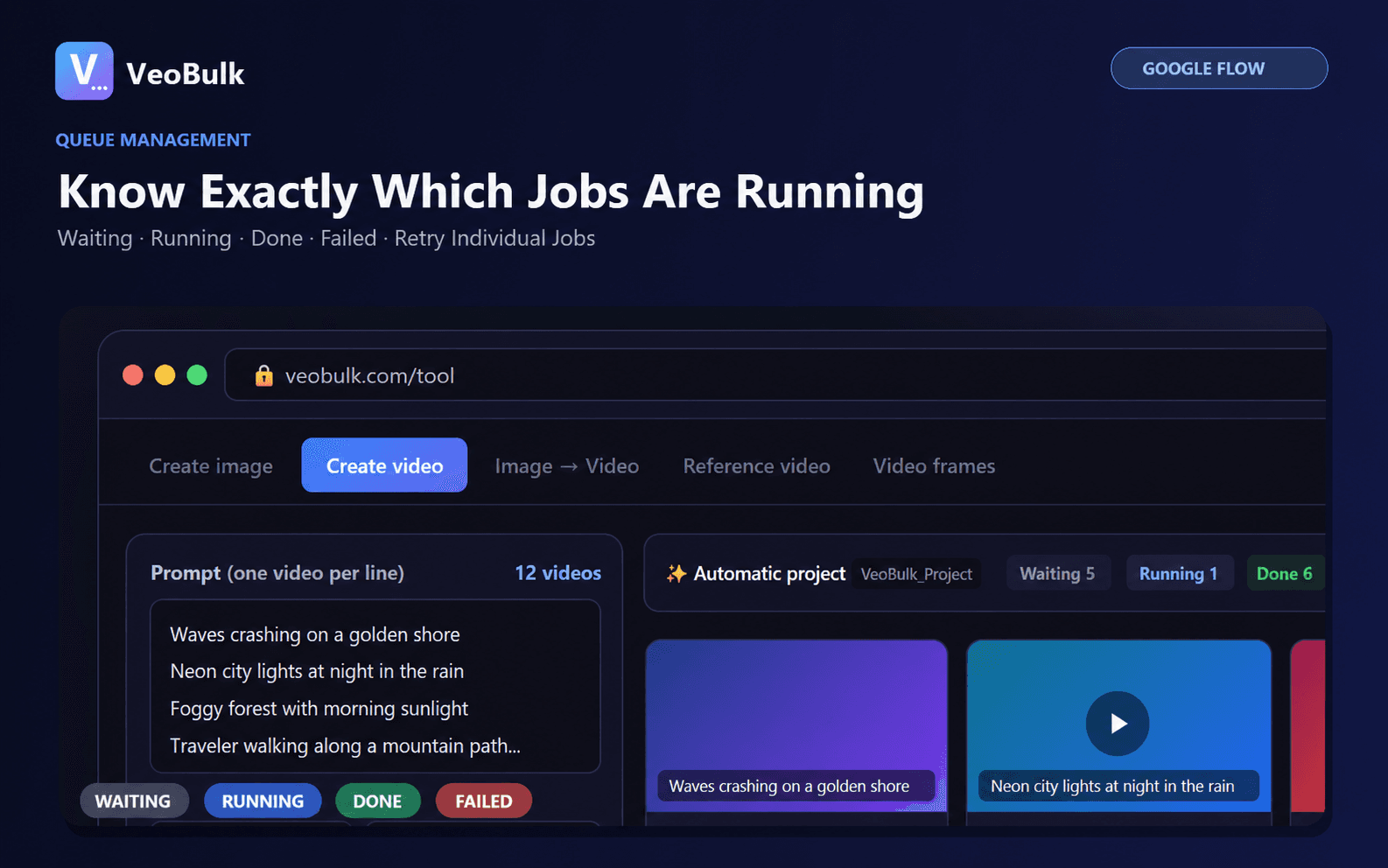
A queue turns every prompt line into a separate waiting, running, completed, or failed job. Google Flow still generates the media; VeoBulk organizes actions around your account.
Prepare the list before you run
Put one complete prompt on each line and add identifiers such as 001 and 002. Keep identity, style, aspect ratio, and duration consistent within a production group.
Test two or three representative prompts. If they fail in the same way, fix the shared prompt pattern before submitting the entire list.
Choose safe concurrency
Start at a moderate level and increase it only after the computer, connection, and account remain stable. More simultaneous requests do not guarantee a shorter finish time when Flow requests verification or the device is overloaded.
Pause after several consecutive errors. Open Flow, check the session, credits, and notices, then test one job before resuming the queue.
Retry without duplicate generations
A timeout does not always mean generation failed. Check the Flow project and download folder for a late result before retrying.
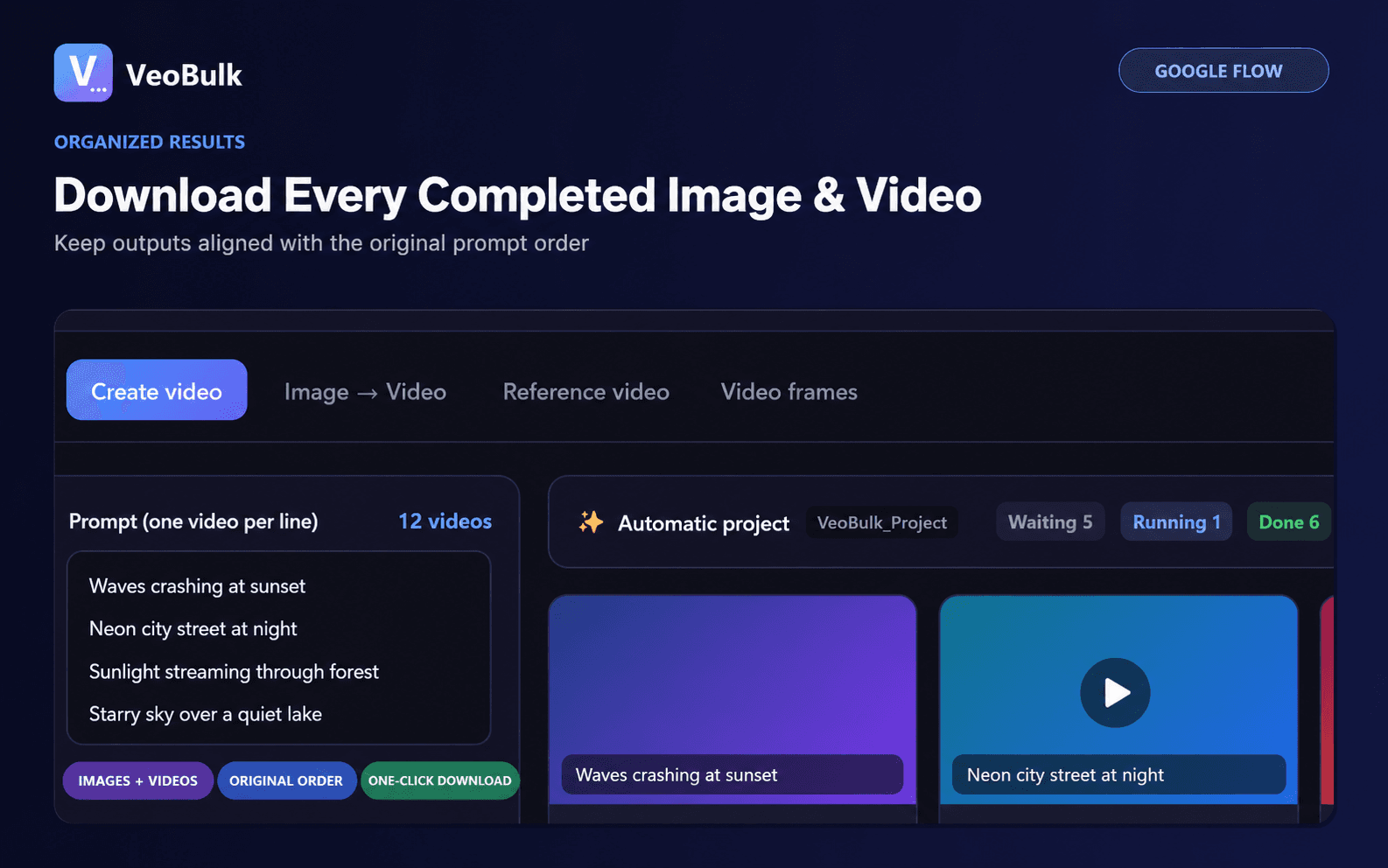
Retry only jobs without a usable output. Keep job IDs, prompts, and filenames aligned so the final file count can be compared with the original list.
Related articles
Frequently asked questions
Can I paste several prompts at once?
Yes. VeoBulk reads one complete prompt per line and creates an individual job.
How many jobs should run concurrently?
There is no universal number; start moderately and increase after testing your device and account.
Does a queue provide Google Flow credits?
No. Access, credits, and limits belong to your Google account.
Ready to streamline your Google Flow workflow?
Install the VeoBulk Extension to manage prompts, queues, and results directly in Chrome.