Google Flow Automation Chrome Extension: Features and Setup Checklist
A useful Google Flow extension should reduce repetitive actions while keeping job state, pause controls, and Flow verification visible. Use this checklist before trusting an extension with a larger production queue.
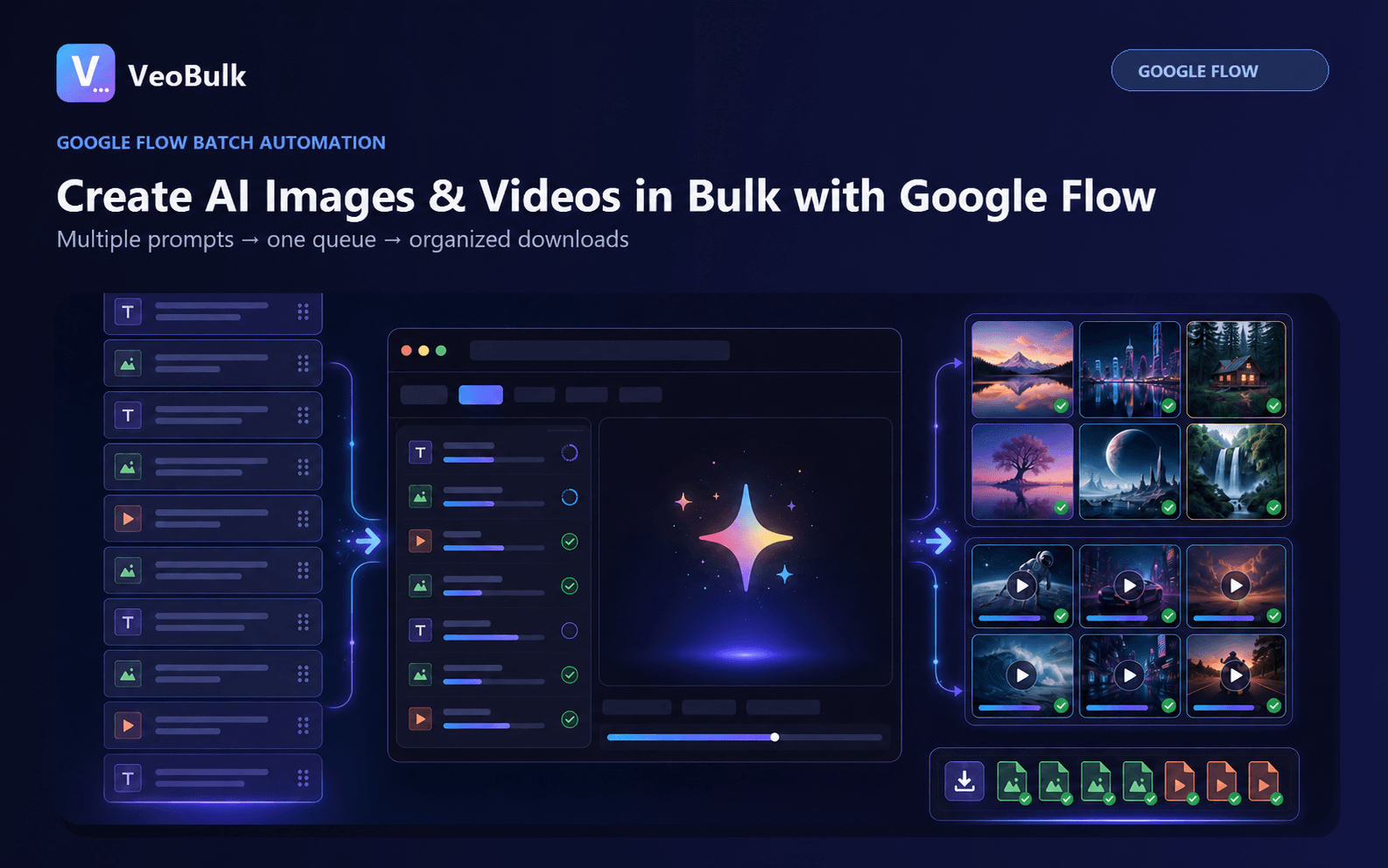
Five features to evaluate
Look for per-job queue states, concurrency controls, individual retries, visible download status, and clear explanations of browser permissions.
Prefer an extension updated through the Chrome Web Store with a privacy policy, support URL, and an accurate list of the domains it accesses.
How an extension works with Google Flow
The extension uses the Google Flow session already signed in to Chrome for a workflow you start. It does not replace a Google account, provide generation credits, or enable access in unsupported regions.
When a Flow token expires, a careful recovery mechanism can refresh it if the Google cookie remains valid. If Google is fully signed out, the user must sign in manually.
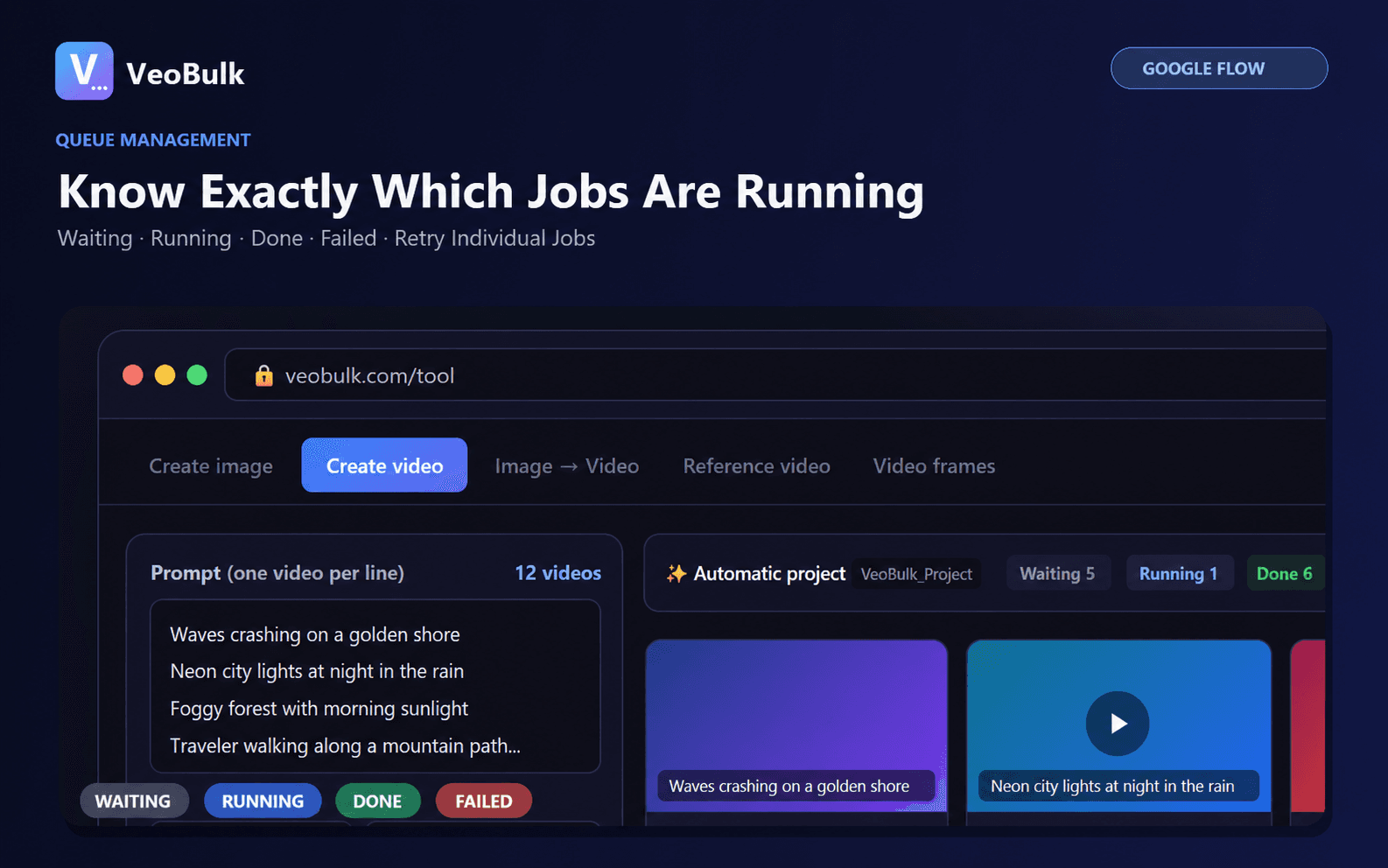
First-run setup
Install from the official listing, open Google Flow, and verify that the account can complete one manual generation. Then open VeoBulk, submit two test prompts, and inspect job progress and downloaded files.
Increase the batch only after the test works. Do not grant permissions beyond those explained in the listing and manifest.
Chrome Extension or Desktop App?
Choose the extension to work directly in Chrome and keep Flow visible. Choose the Desktop App for a separate workspace, multiple projects, or direct local project folders.
Both options remain subject to Google Flow account access, credits, and generation limits.
Related articles
Frequently asked questions
Can an extension sign in to Google automatically?
It may refresh a Flow token while the Google cookie is valid; a complete Google sign-out still requires manual login.
Is VeoBulk a Google product?
No. VeoBulk is independent software that works alongside Google Flow.
Where should I install it?
Use the official VeoBulk Chrome Web Store listing for automatic updates.
Ready to streamline your Google Flow workflow?
Install the VeoBulk Extension to manage prompts, queues, and results directly in Chrome.