Google Flow Automation: Chrome Extension vs Desktop App
VeoBulk offers two ways to work with Google Flow: a Chrome Extension inside your browser and a dedicated Desktop App. Both reduce repetitive actions, but the right choice depends on batch size, file management, and how you use your computer.
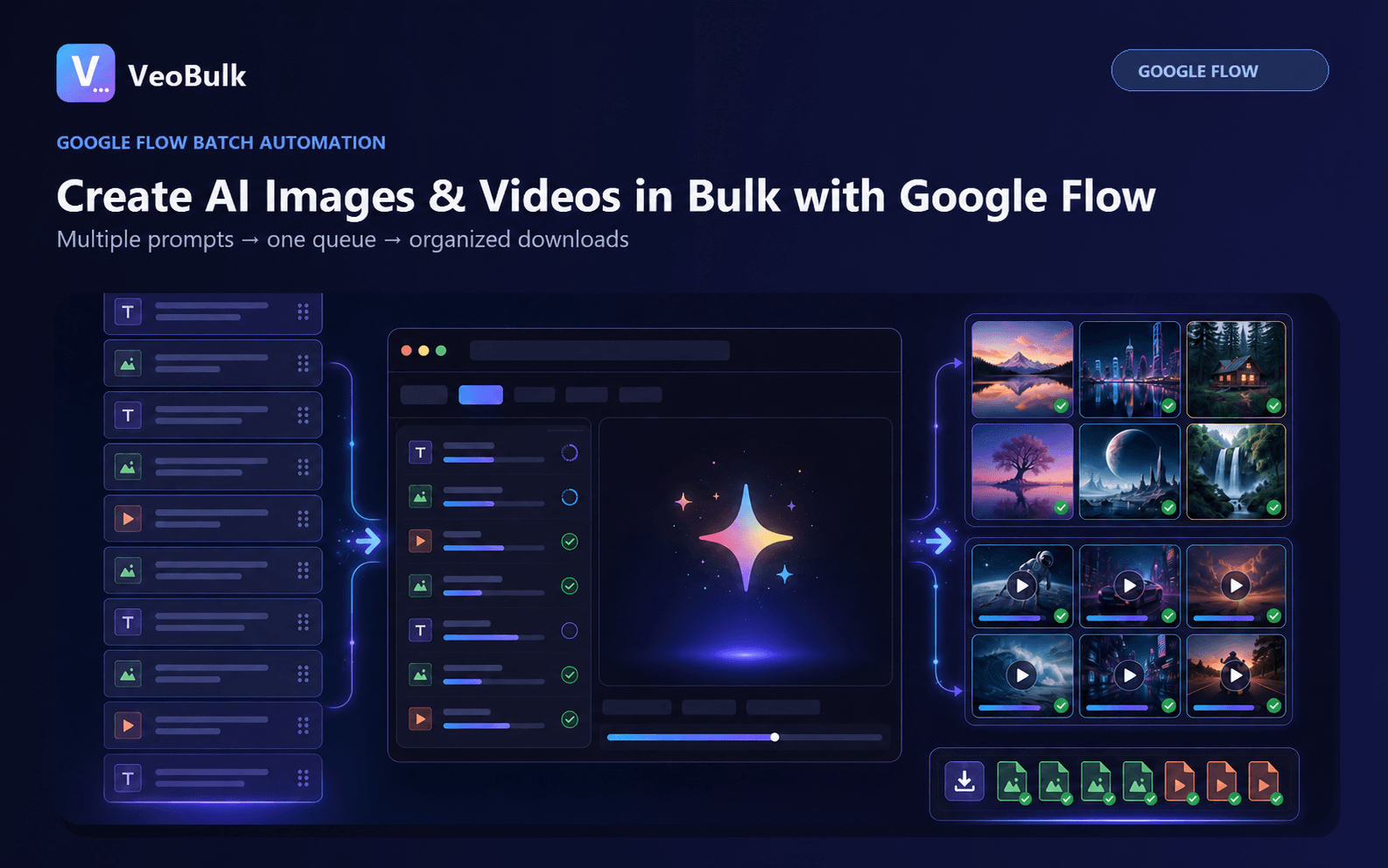
What both versions do
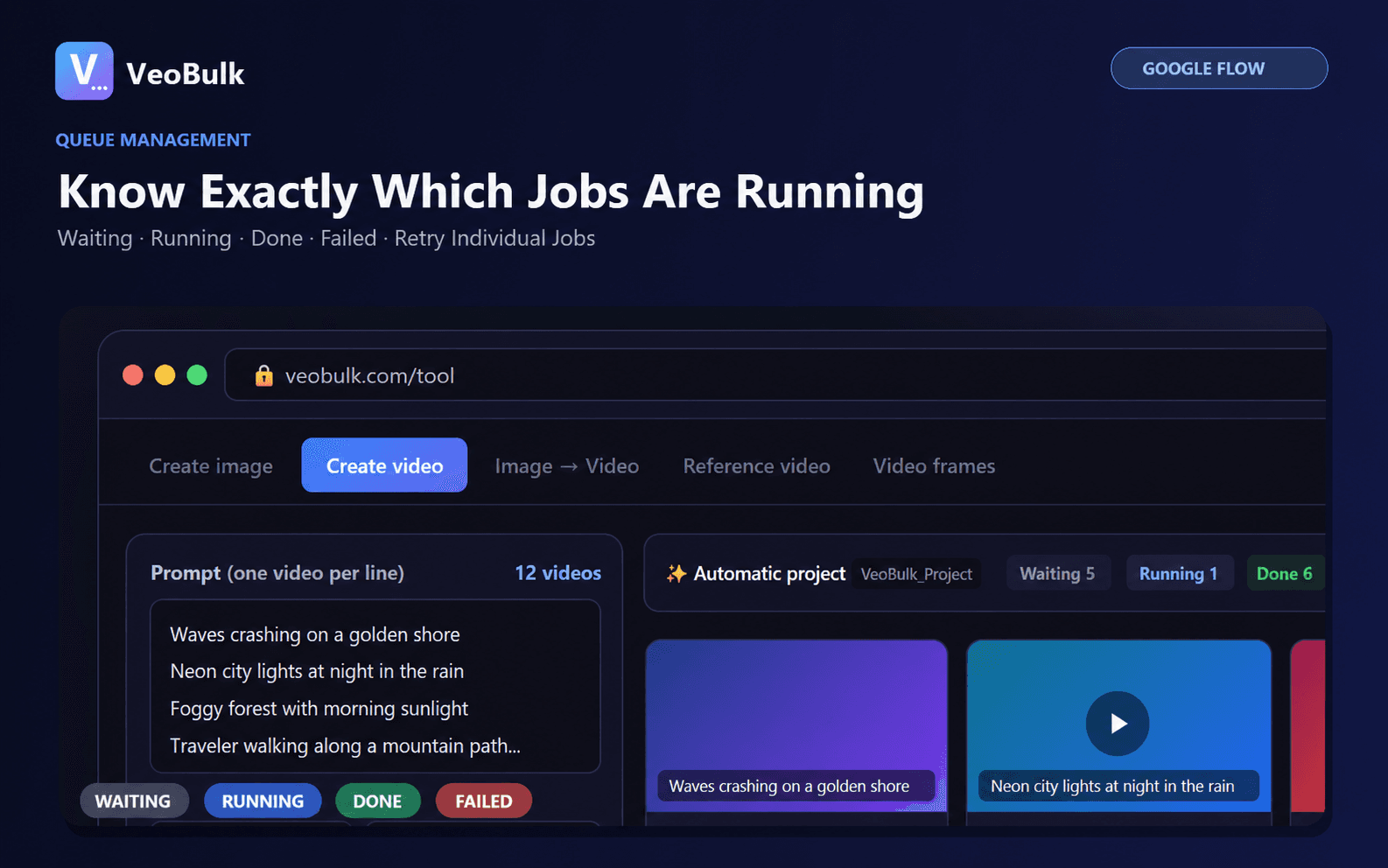
Both the Extension and Desktop App can import multiple prompts, manage image or video queues, and track individual job states. You still sign in to Google Flow yourself and remain subject to your Google account limits.
VeoBulk is an independent tool and is not an official Google product, sponsored by Google, or endorsed by Google.
Choose the Chrome Extension when
The Extension is a good fit when you already work in Chrome, want a quick installation, and prefer to see the Flow page beside the control panel. It is convenient for shorter sessions and small-to-medium batches on a browser that is already signed in.
Choose the Desktop App when
The Desktop App is better suited to longer batches, multiple projects, and workflows that should remain separate from everyday browser tabs. Installers are available for Windows, macOS on Apple Silicon, and macOS on Intel.
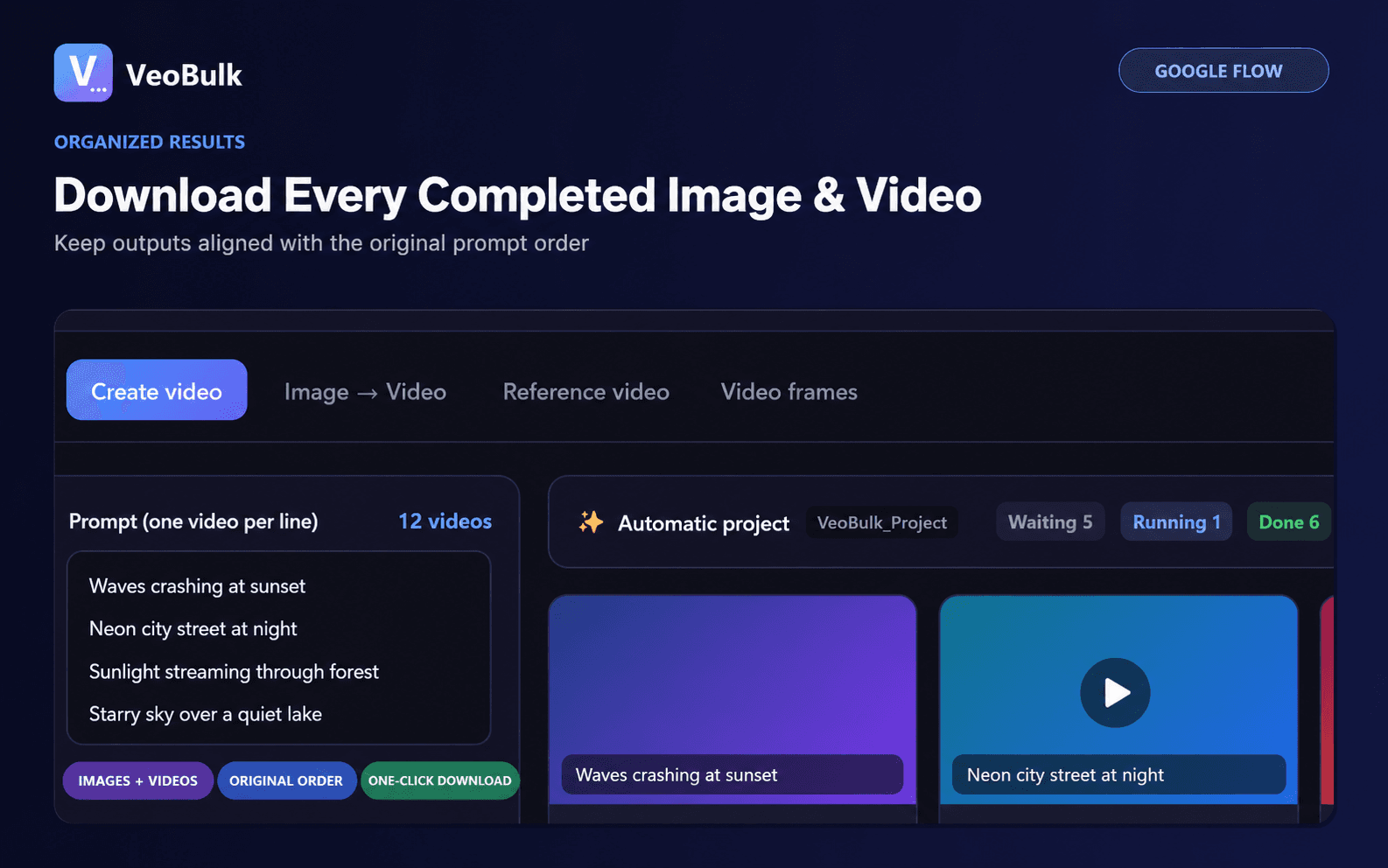
A dedicated workspace and direct project-folder downloads can make large collections of files easier to manage.
A quick decision guide
Choose the Extension for fast setup, browser-based work, and short or medium sessions.
Choose Desktop for local file management, longer sessions, and a workspace separate from your primary browser.
You can also use both: the Extension for quick jobs and Desktop for larger production runs.
Keep either workflow stable
Test a small group first, use sensible concurrency, keep the device and connection stable, and watch for notices from Google Flow. Pause the queue and address the cause before continuing after an error.
Good prompt and filename organization usually improves production more than simply increasing throughput.
Related articles
Frequently asked questions
Does Desktop require the Chrome Extension?
No. The two versions can be used independently according to your workflow.
Which operating systems are supported?
The Extension runs in Chrome; Desktop supports Windows, macOS Apple Silicon, and macOS Intel.
Is VeoBulk a Google product?
No. VeoBulk is an independent tool that works alongside Google Flow.
Ready to streamline your Google Flow workflow?
Install the VeoBulk Extension to manage prompts, queues, and results directly in Chrome.