Chrome extension for Google Flow automation
Google Flow Chrome Extension for Bulk Images & Videos | VeoBulk
VeoBulk is a Chrome Extension for organized Google Flow image and video production. Import multiple prompts, control a generation queue, retry individual failures, and download completed media without repeating every browser action manually.
Add VeoBulk to Chrome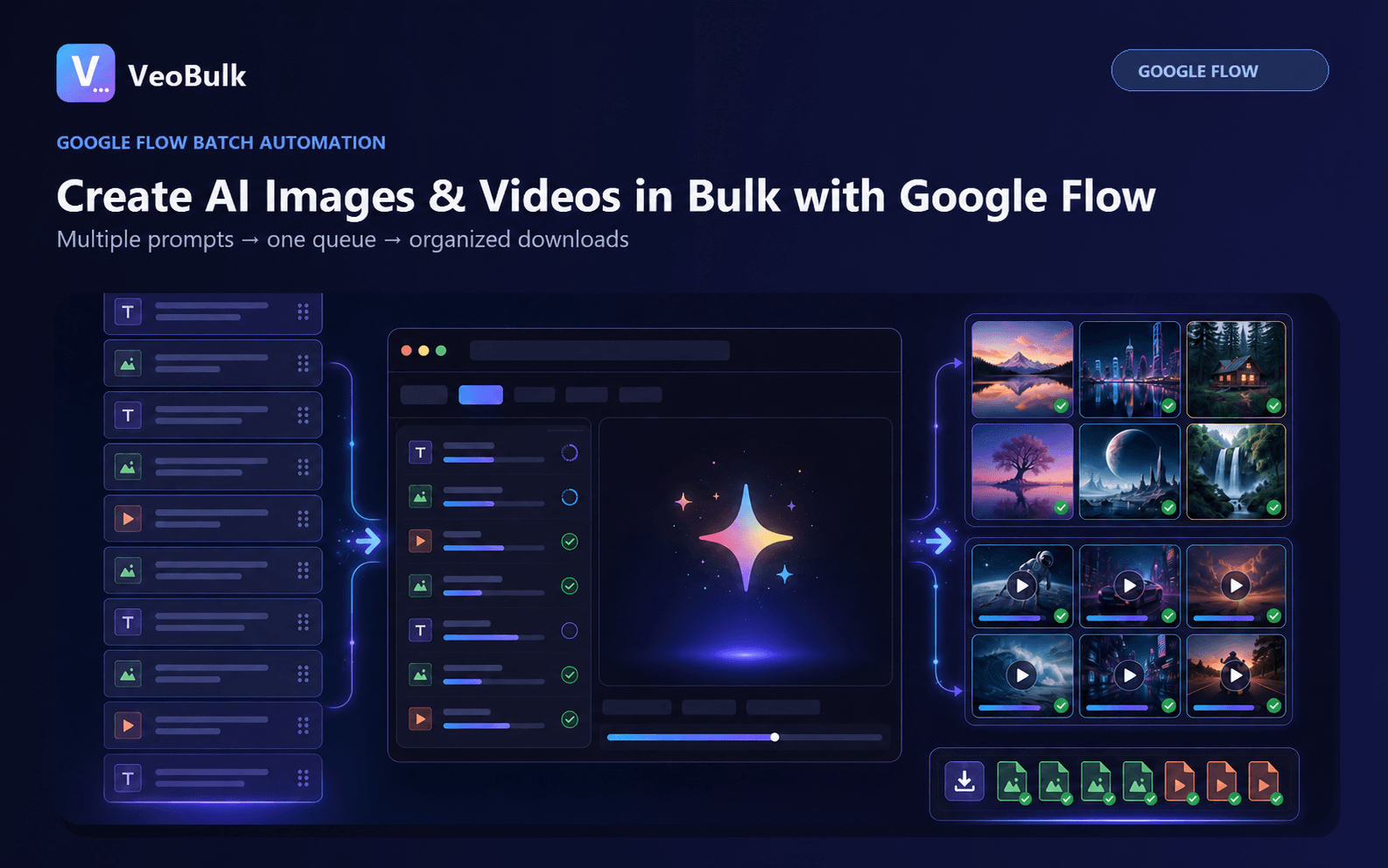
Batch image and video generation
Turn a prompt list into individual Google Flow jobs for Text to Image, Text to Video, Image to Video, and supported reference workflows.
Google Flow generates the media using your Google account. VeoBulk organizes the surrounding browser workflow.
Queue controls and progress tracking
See which prompts are waiting, running, complete, or failed. Pause a session when needed and retry only the jobs that require attention.
Automatic, organized downloads
Download completed images and videos with predictable names so they remain aligned with the original prompt or shot list.
Install from the Chrome Web Store
Use the official VeoBulk listing for the simplest installation and automatic extension updates. VeoBulk is independent software and is not affiliated with, endorsed by, or sponsored by Google.
Who VeoBulk is for
VeoBulk is designed for creators producing campaign images, multi-shot videos, ad variants, story scenes, product content, and other projects that require more than one Google Flow generation.
Frequently asked questions
What does the VeoBulk Google Flow extension do?
It turns prompt lists into trackable image and video jobs, adds queue controls, supports individual retries, and helps organize completed downloads.
Where can I install the extension?
Install VeoBulk from its official Chrome Web Store listing using the button on this page.
Does it work without Google Flow access?
No. You must sign in with a Google account that can use Google Flow. VeoBulk does not provide Google generation access or credits.
Is VeoBulk an official Google extension?
No. VeoBulk is independent software and is not affiliated with, sponsored by, or endorsed by Google.
Start with VeoBulk
Install the Chrome Extension and start an organized Google Flow queue.
Add VeoBulk to Chrome