Google Flow batch image generation
Google Flow Bulk Image Generator & Prompt Queue | VeoBulk
VeoBulk turns a prepared prompt list into a controlled Google Flow image workflow. Track every job, retry individual failures, and keep outputs aligned with their source prompts.
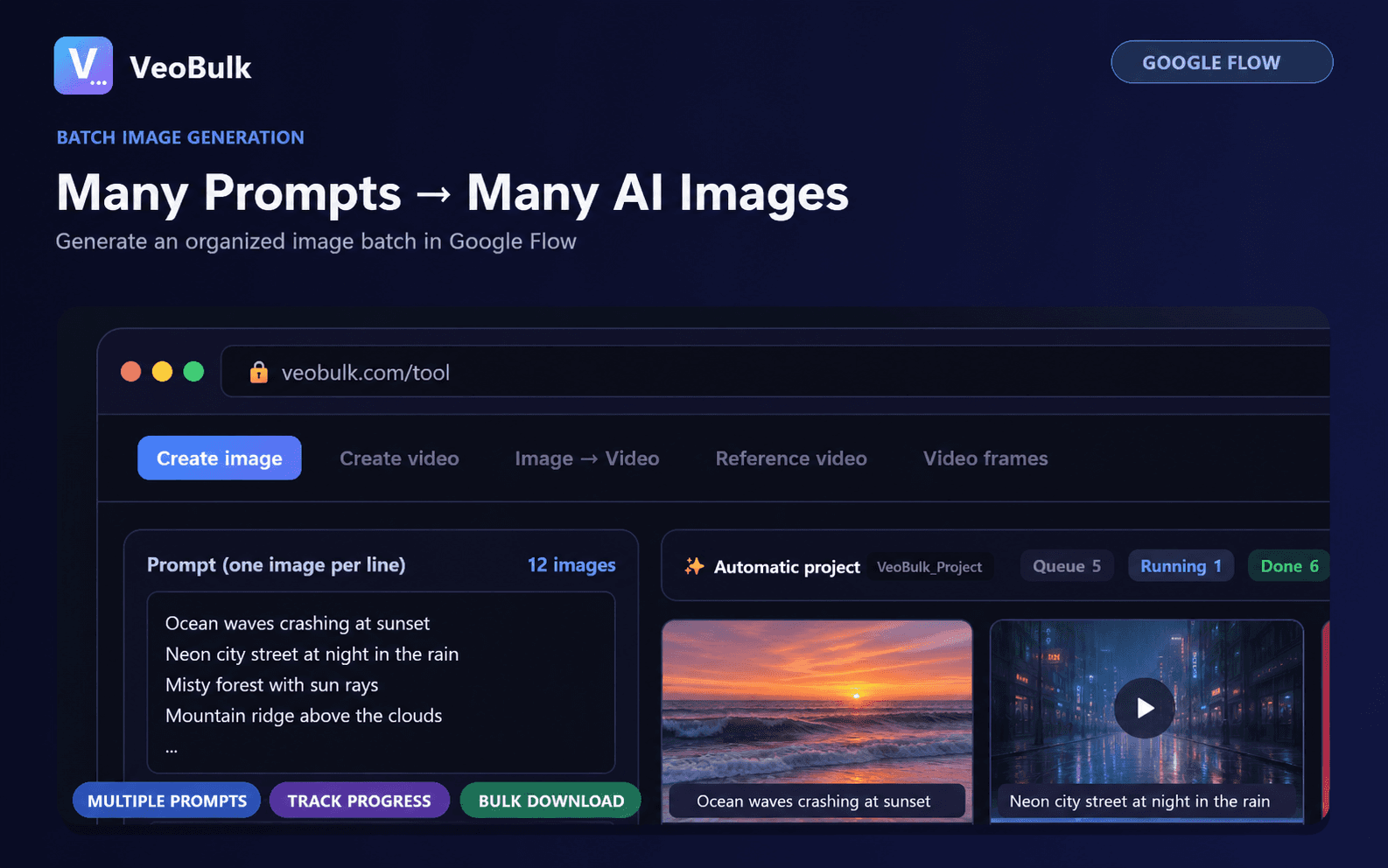
Import prompts in bulk
Paste one prompt per line or import a prepared file. Keep a repeatable prompt structure for more consistent style, subjects, and framing across the batch.
Control the queue
Choose the model, aspect ratio, images per prompt, and a sensible concurrency level. Every image keeps an individual waiting, active, completed, or failed state.
Review and retry
Preview completed images, retry only items that need work, and download approved results into your project folder without restarting the entire list.
Works with your Google account
Google Flow generates the images and applies the credits and limits of your account. VeoBulk provides independent workflow automation and is not an official Google product.
Frequently asked questions
Can Google Flow generate images in bulk?
Google Flow generates each image job. VeoBulk adds a prompt queue and controlled automation so multiple prompts can be processed and tracked as an organized batch.
Does VeoBulk include Google Flow credits?
No. Generation credits, model access, quotas, and regional availability come from the Google account signed in to Google Flow.
Can I retry one failed image?
Yes. Each queued prompt has its own status, so a failed or unsatisfactory item can be retried without restarting the whole batch.
Start with VeoBulk
Download the Desktop App for Windows or Mac.
Download VeoBulk