Google Flow batch video generation
Google Flow Batch Video Generator with VeoBulk
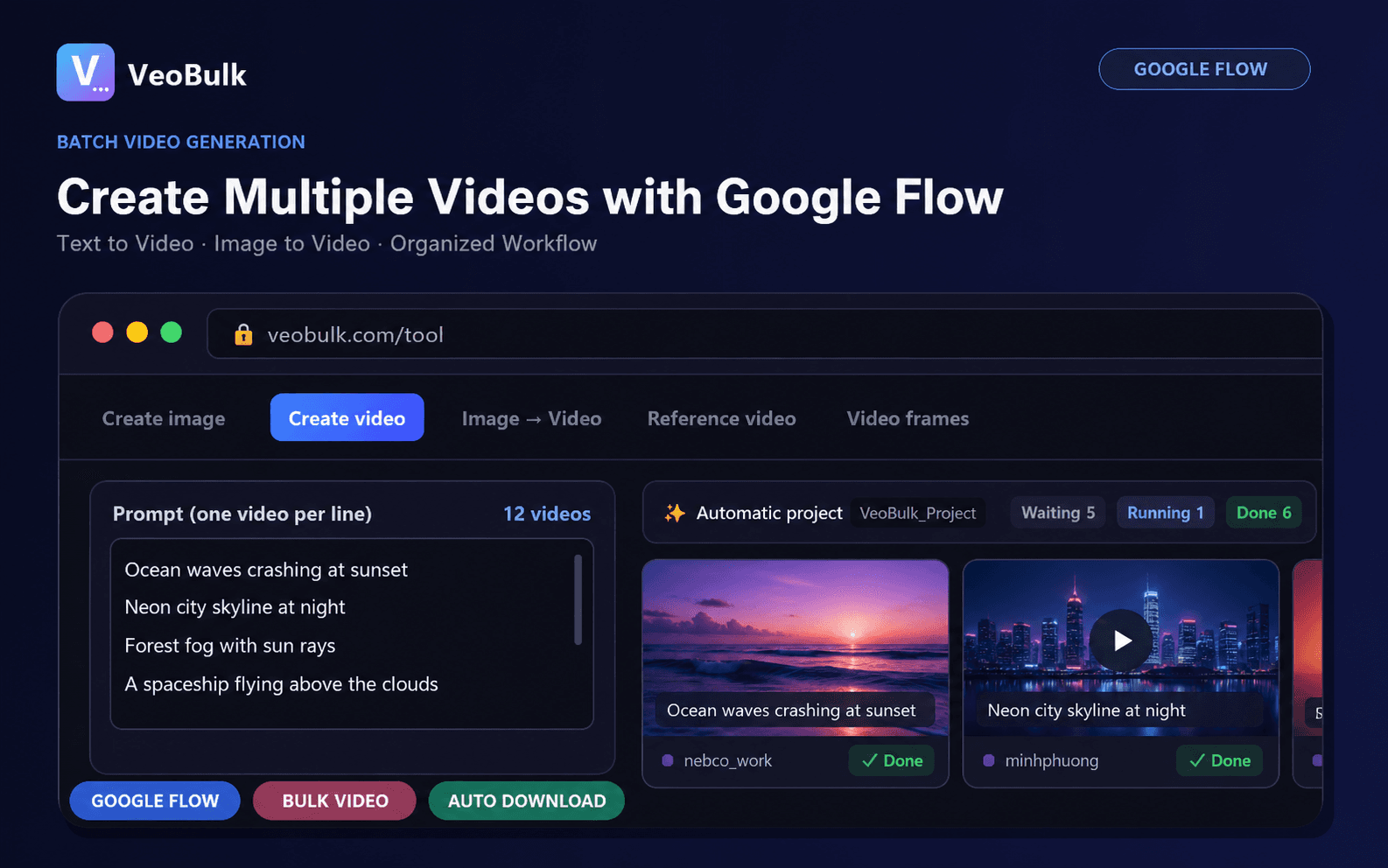
Organize a multi-shot video project as a queue instead of repeating the same browser actions for every scene. VeoBulk helps connect prompts, reference images, job status, retries, and downloaded clips.
Text-to-video workflows
Import a shot list, apply consistent model, duration, and aspect-ratio settings, then monitor every scene as an individual job.
Image-to-video workflows
Attach the correct source or reference image to each prompt and preserve the relationship between input assets and output clips.
Recover from failures
Pause when needed and retry specific scenes without sending the full project again. This is especially useful for long queues and multi-scene edits.
Account requirements
You sign in to Google Flow with your own Google account. Model access, quotas, credits, and regional availability are controlled by Google.
Start with VeoBulk
Download the Desktop App for Windows or Mac.
Download VeoBulk