Google Flow Prompts List: Image & Video Examples to Copy
Good Google Flow results do not depend on a magic phrase. They come from a prompt structure that defines what must stay fixed and what can change. Use the examples below as editable templates for individual generations or an organized batch prompt list.
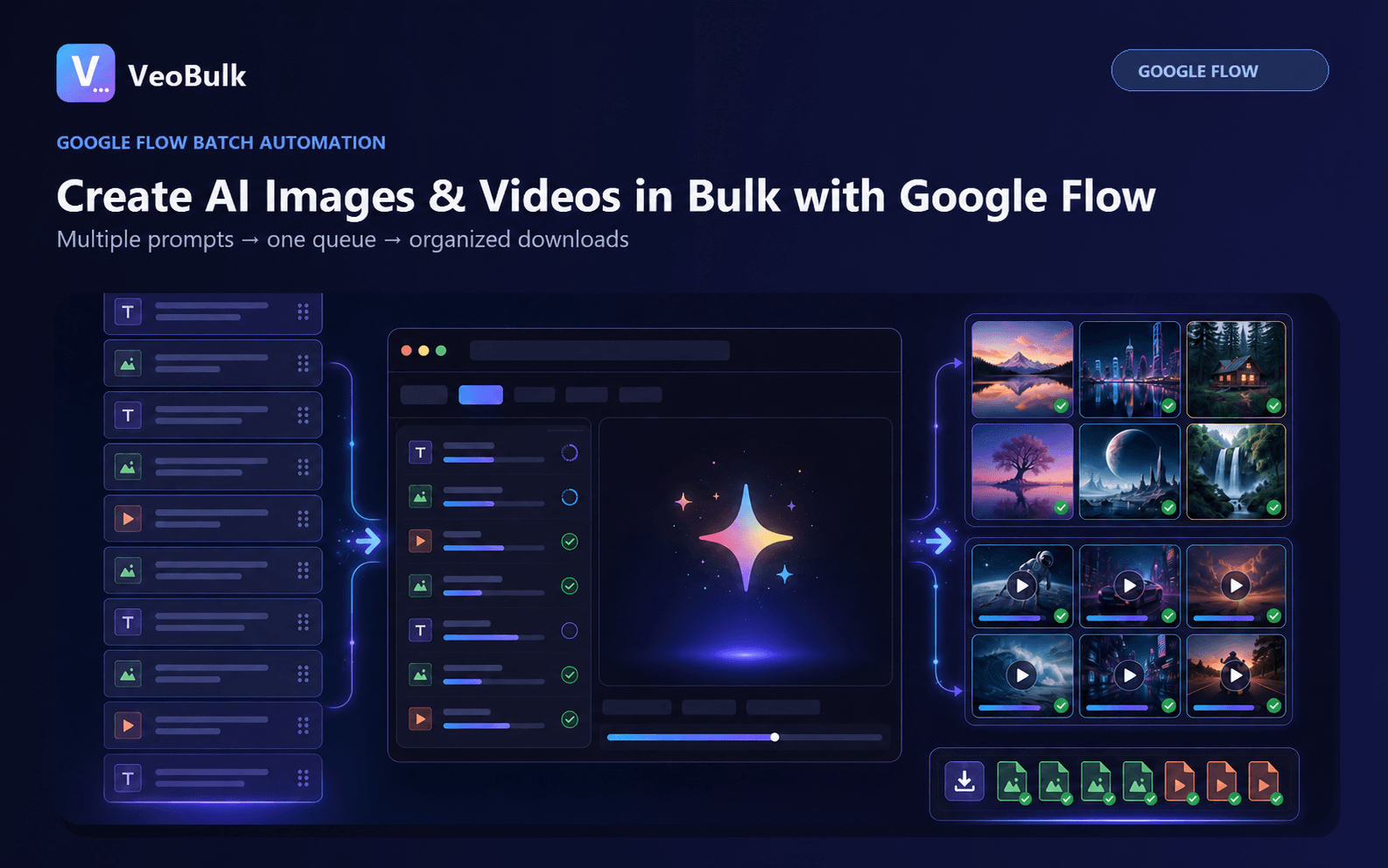
A reusable Google Flow prompt formula
For images, use: subject + action + setting + lighting + composition/camera + style + aspect ratio. For video, add subject motion, camera movement, pace, and audio or dialogue when supported by the selected model.
Google recommends being specific about subject, action, environment, lighting, and style. When adding references, explain how each visual input should be used and avoid instructions that contradict the image.
5 Google Flow image prompt examples
1. Product ad: [product] on [surface], [color/material] background, soft studio key light from the left, 45-degree close-up, natural shadow, premium commercial composition, clean copy space on the right, 4:5.
2. Consistent character: [locked identity description], [action] in [setting], [lighting], medium eye-level shot, cinematic realism; preserve the same face, hair, wardrobe, and body proportions.
3. Thumbnail: [subject] in the foreground with a clear expression, [secondary element] behind, high contrast, rim light, focused composition, empty title area on the left, 16:9. 4. Architecture: [building] during [time/weather], 24mm wide angle, strong leading lines, realistic materials, no people, 16:9. 5. Storyboard: shot [number], [locked character], [single action], [location], [shot type], [lighting], same color palette as the previous shot.
5 Google Flow video prompt examples
1. Product reveal: slow dolly in toward [product], thin mist gradually clears, a highlight travels across the surface, dark background, stable motion, subtle ambience, no text.
2. Character shot: [locked character] walks slowly through [setting], medium tracking shot at eye level, soft afternoon light, natural hair and fabric movement, preserve identity.
3. Food ad: macro shot of [dish], [single action], slow motion, warm side light, shallow depth of field, crisp texture, natural kitchen ambience. 4. Establishing shot: aerial wide shot over [location], camera glides forward then gently tilts down, early-morning haze, cinematic scale. 5. Dialogue: static close two-shot of [A] and [B], one short line that fits the clip duration, natural room tone, no music over speech.
Use prompts with reference images
In Flow you can drag media into the prompt, choose Add Image, or type @ to find an uploaded project asset. With Ingredients, assign each reference a role such as character, product, or style. With Frames, describe the action or transition between the start and end images.
Google recommends subject or product references on a plain or segmented background, a consistent look across ingredient images, and text instructions that complement rather than conflict with visual inputs.
Turn examples into a batch prompt list
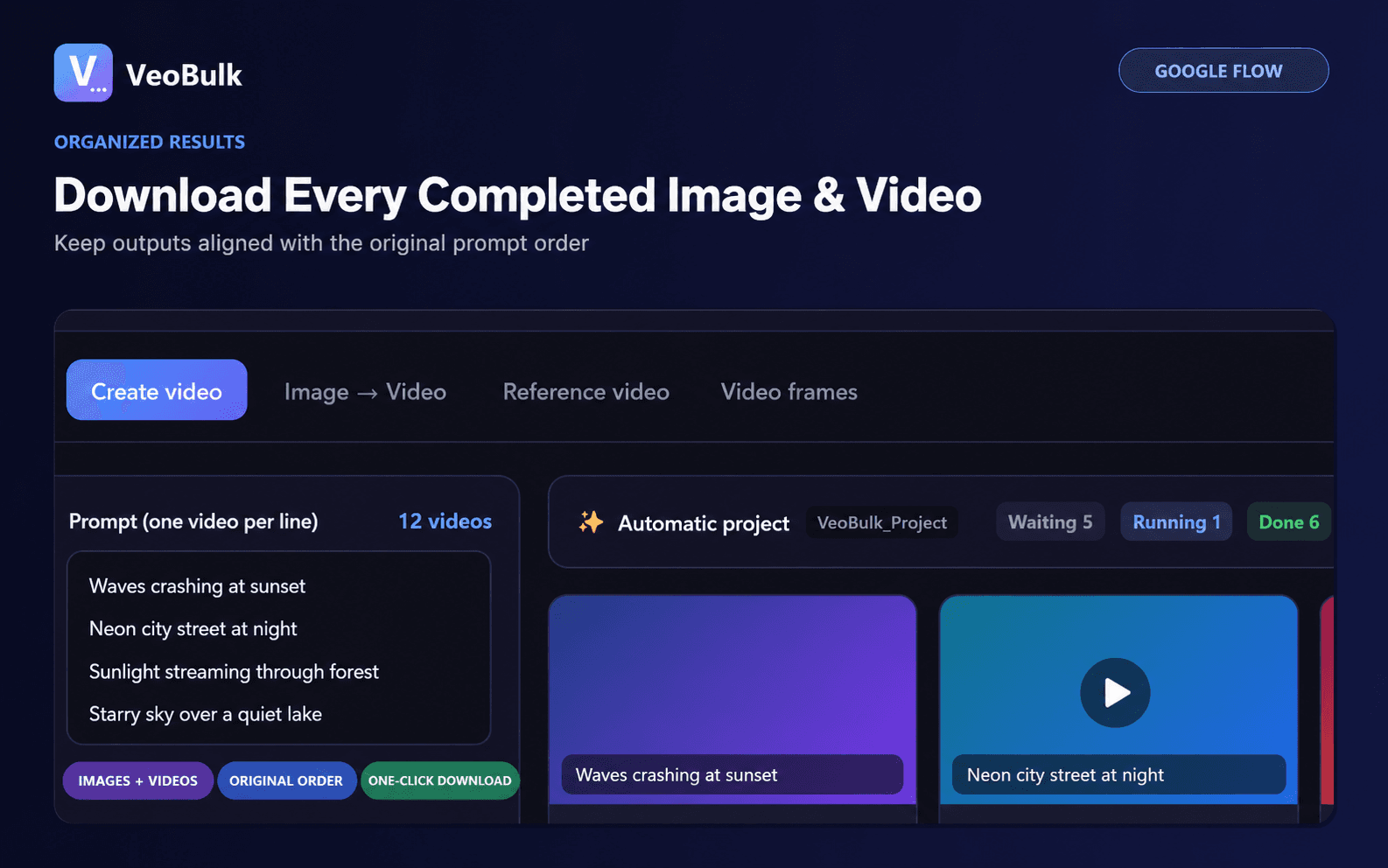
Lock the identity, visual style, and output constraints. Change only the scene, action, or camera on each line. Add identifiers such as 001 and 002, then test three representative prompts before submitting the full list.
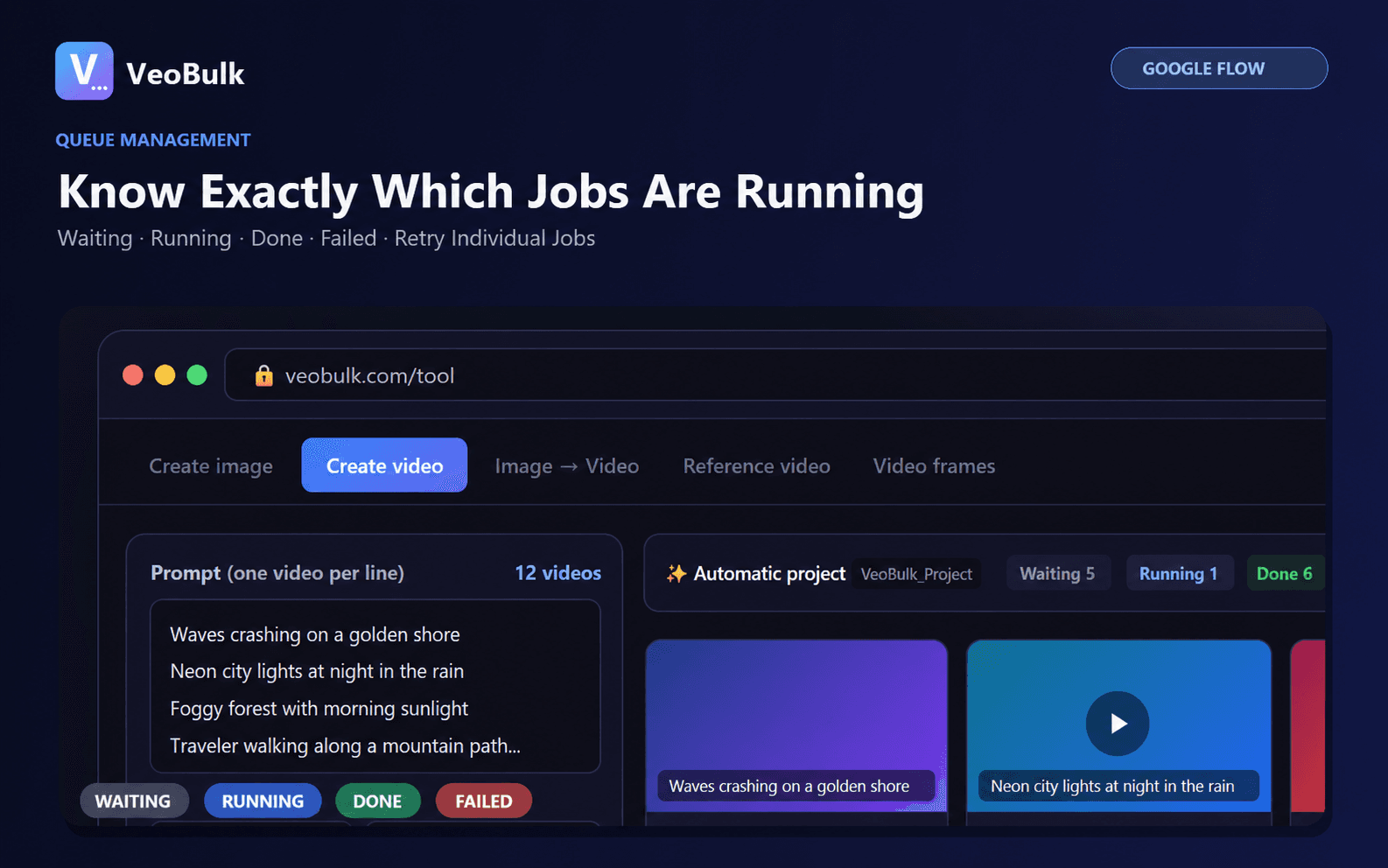
VeoBulk can import one prompt per line, track each job, and retry individual failures. Google Flow still generates the media under your account; Google controls model access, credits, and regional availability.
Official sources
Related articles
Frequently asked questions
How long should a Google Flow prompt be?
Long enough to define the subject, action, setting, and camera clearly. Precision matters more than word count.
Can I use prompts in languages other than English?
Yes. Use the language that lets you describe the scene precisely and keep terminology consistent across shots.
Should a video prompt contain several actions?
Usually no. One primary action in a short clip is easier to control.
How do I run a list of prompts?
Put one complete prompt on each line, test a small group, then use a controlled queue and retry only failed jobs.
Ready to streamline your Google Flow workflow?
Install the VeoBulk Extension to manage prompts, queues, and results directly in Chrome.