How to Write Better Google Flow Prompts for Images and Videos
A useful prompt does not need to be long, but it must make clear what should remain fixed and what can change. For batch work, a repeatable structure matters more than clever wording.
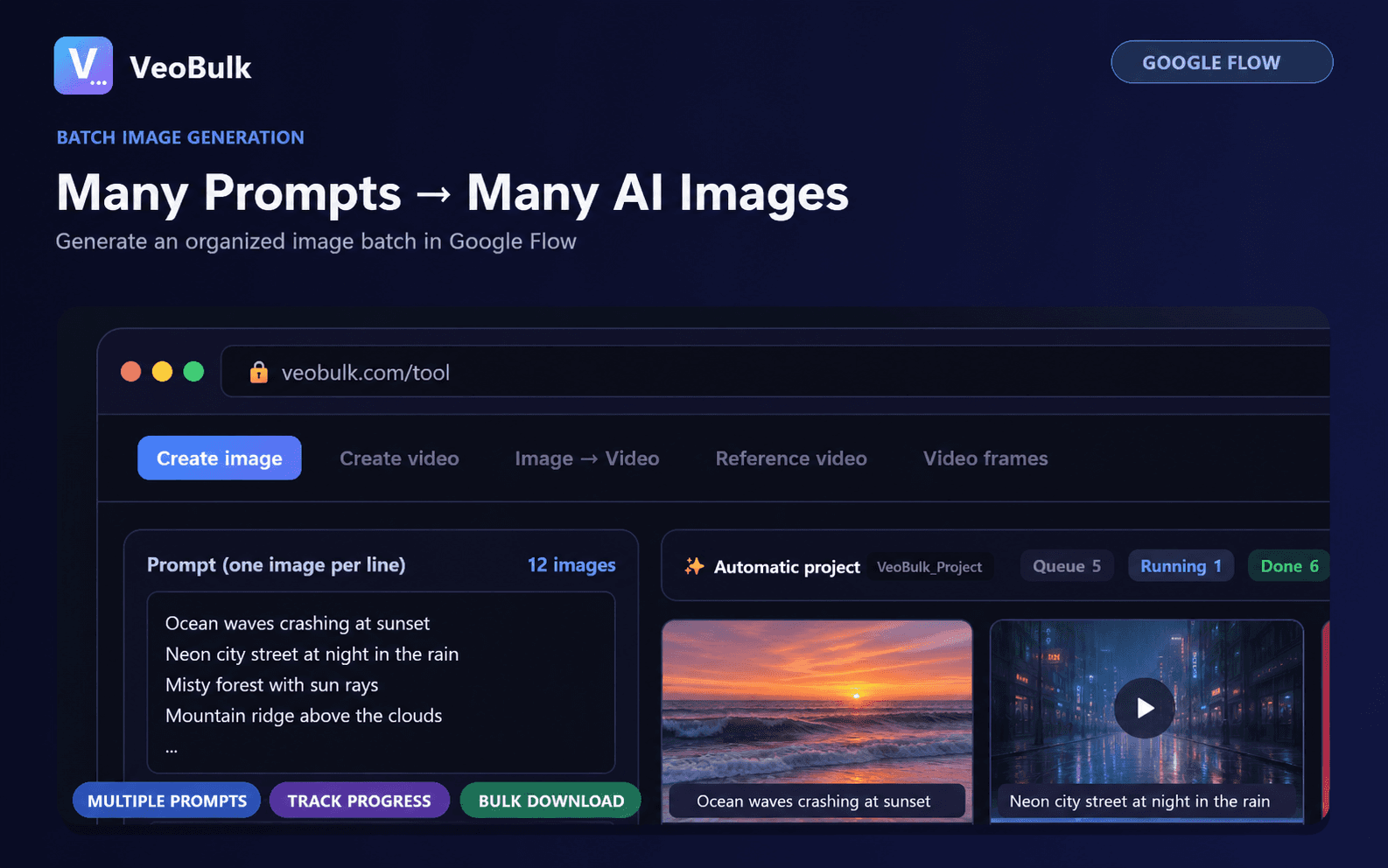
A prompt framework for images
Start with the subject and identifying features, then add action, environment, lighting, composition, camera angle, visual style, and aspect ratio. Put important constraints early and avoid conflicting adjectives.
A reusable order is: subject + action + setting + lighting + camera angle + style + output requirements.
A prompt framework for video
Video prompts should also define subject motion, camera movement, and pace. Keep one primary action per short shot so the model does not merge or skip events.
Use consistent terms such as static wide shot, slow dolly in, or gentle pan across a sequence.
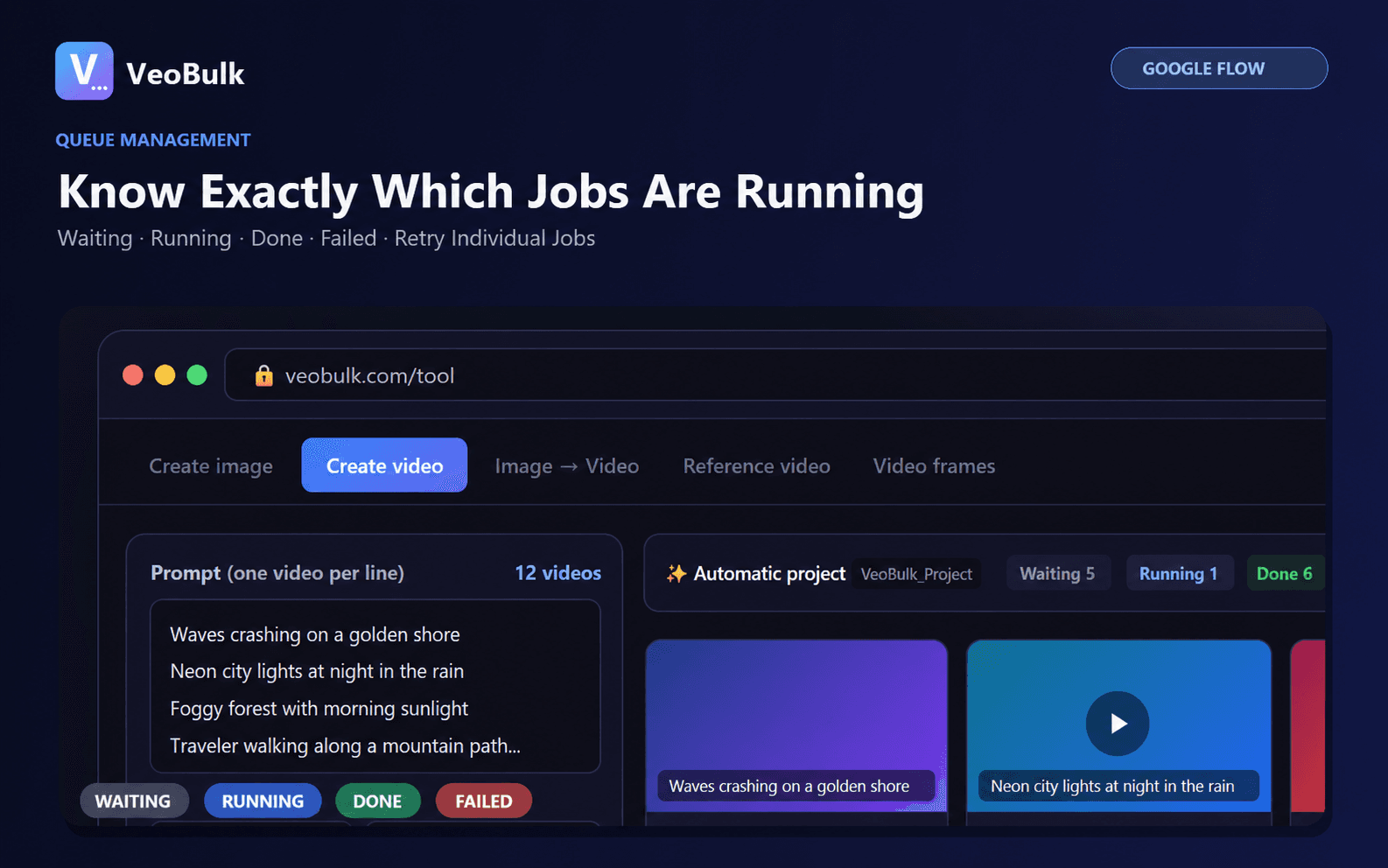
Standardize prompts for batch generation
Keep a locked description for the character, product, and visual style. Change only controlled variables such as location, action, or camera angle on each line.
Test three representative prompts before submitting the full list. If they fail in the same way, improve the shared template rather than every prompt.
Common prompt mistakes
Avoid combining multiple scenes, camera angles, or time jumps in one prompt. Words such as beautiful or cinematic need concrete lighting and composition details.
Save prompt versions beside their results so you can identify which change improved the output.
Related articles
Frequently asked questions
How long should a Google Flow prompt be?
Long enough to define the subject, action, and output clearly. Precision matters more than word count.
Should prompts be written in English?
Both English and Vietnamese can work. Use the language that lets you describe the scene precisely and consistently.
Does VeoBulk rewrite prompts?
VeoBulk submits and manages your prompt list; review it before starting a batch.
Ready to streamline your Google Flow workflow?
Install the VeoBulk Extension to manage prompts, queues, and results directly in Chrome.