How to Use Google Flow on Windows and Mac: Browser or Desktop App?
Google recommends using Flow on a desktop computer with a Chromium-based browser such as Chrome or Edge. For prompt queues and separate project folders, VeoBulk Desktop provides an independent companion workflow for Windows and macOS; it is not an official Google app.

How Google Flow works on Windows and Mac
Google Flow Help recommends a Chromium-based browser on a desktop computer for the best experience. Chrome and Edge are the examples Google names; unsupported browsers and devices may show bugs or unexpected behavior.
Access also depends on age, supported region, and an eligible Google AI or Workspace plan. Google states that a VPN does not enable Flow in an unsupported region.
Choose a browser or VeoBulk Desktop
Use Flow in a browser when you want direct access to the newest editing features or only need a few generations. Add the VeoBulk Extension when you want a prompt queue alongside Chrome.
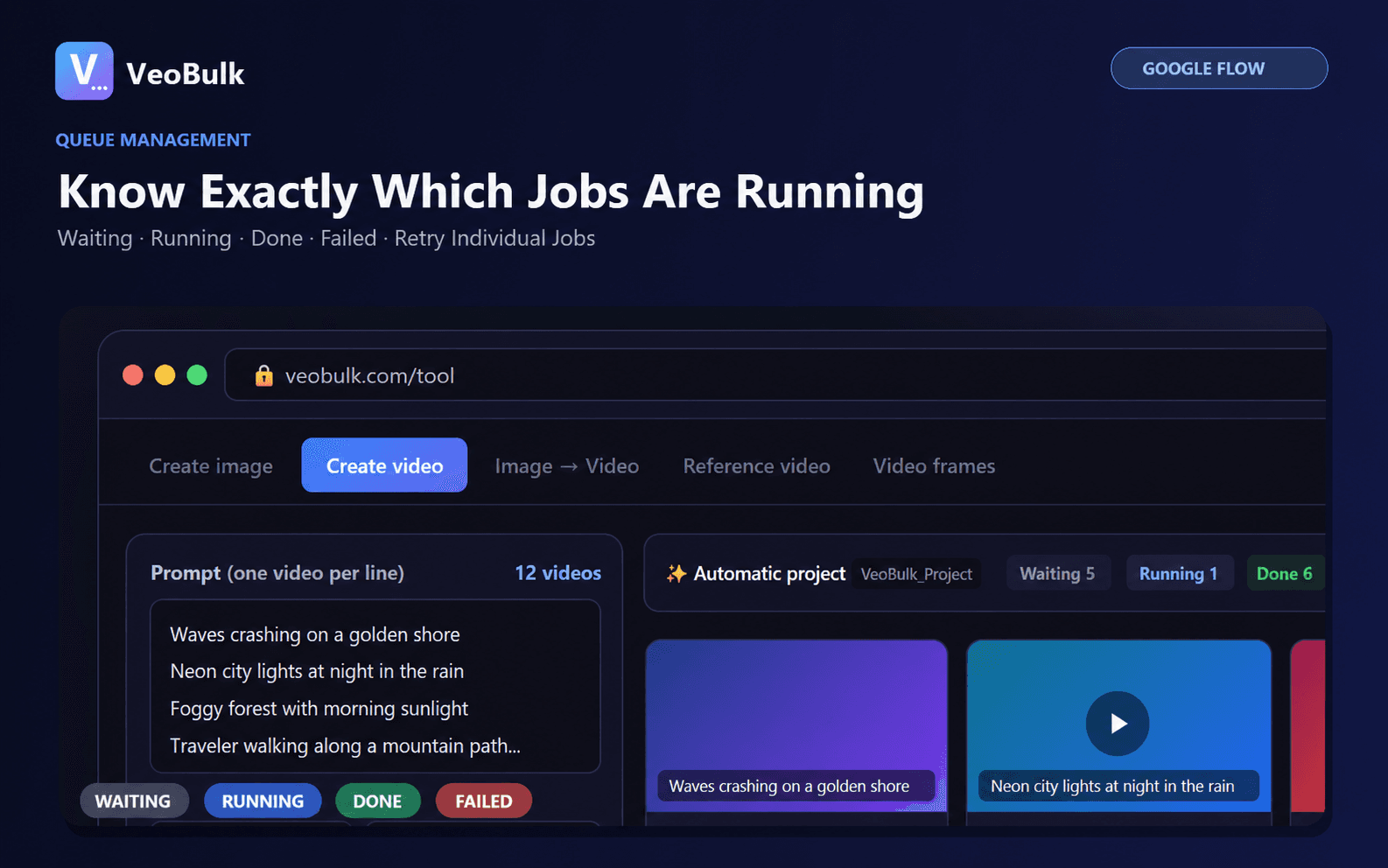
Use VeoBulk Desktop when production should stay separate from daily tabs, outputs need local project folders, or many jobs need individual status tracking. Google Flow still generates the media under your Google account.
Set up the Windows workflow
Download the Windows installer from VeoBulk, complete setup, then sign in to VeoBulk and Google Flow inside the workspace. Run two or three representative prompts before a large batch to confirm account access, model selection, and the output folder.
Keep sufficient disk space, prevent sleep during long sessions, and begin with moderate concurrency.
Choose the correct Mac download
Use the Apple Silicon build for M1, M2, M3, M4, and newer M-series Macs. Older Intel Macs need the Intel build. Check About This Mac before downloading if you are unsure.
If macOS blocks an Internet download, verify the developer and official source before allowing it in Privacy & Security.
Preflight checklist
Confirm age verification, supported region, and an eligible Google AI or Workspace plan. Open Flow directly once and resolve any account notice before starting a queue.
Check current credits in Flow because per-model costs may change. VeoBulk does not include or modify Google Flow credits.
Official sources
Related articles
Frequently asked questions
Does Google Flow work on Windows?
Yes. Google recommends using Flow on a desktop computer in a Chromium-based browser such as Chrome or Edge.
Does Google Flow work on Mac?
Yes. Use a Chromium-based browser, or use the independent VeoBulk Desktop companion app for Apple Silicon or Intel Macs.
Is VeoBulk Desktop an official Google Flow app?
No. VeoBulk is independent software and is not made, sponsored, or endorsed by Google.
Which Mac download should I choose?
M-series Macs use Apple Silicon. Older Macs with an Intel processor use the Intel build.
Ready to streamline your Google Flow workflow?
Install the VeoBulk Extension to manage prompts, queues, and results directly in Chrome.