Google Flow Not Working? Fix Access, Browser, Credit, and Queue Errors
A Google Flow failure can come from account eligibility, region, browser state, credits, or one generation. Identify the failing layer before signing out, switching devices, or resubmitting an entire queue.
1. Check access requirements
Google requires Flow users to be 18 or older, located in a supported region, and covered by an eligible Google AI or Workspace plan. If a subscription is active but Flow rejects access, check regional availability first; Google says a VPN will not enable access in an unsupported country.
2. Use a recommended browser
Open Flow on a desktop computer in an up-to-date Chrome or Edge browser. Disable script blockers for the Flow page, allow required cookies, and confirm the normal Flow interface works before adding automation.
If Flow itself does not work, VeoBulk cannot start a generation. Resolve the account or browser issue first.
3. Check credits and the selected model
Open your profile in Flow to view remaining credits. Credit cost depends on the plan, model, and generation type, and Google recommends checking the latest cost in the prompt Settings menu.
Google says failed generations are not charged. If credit history shows an incorrect charge, contact Google One Support instead of repeatedly resubmitting the job.
4. Recover from timeouts or a stopped queue
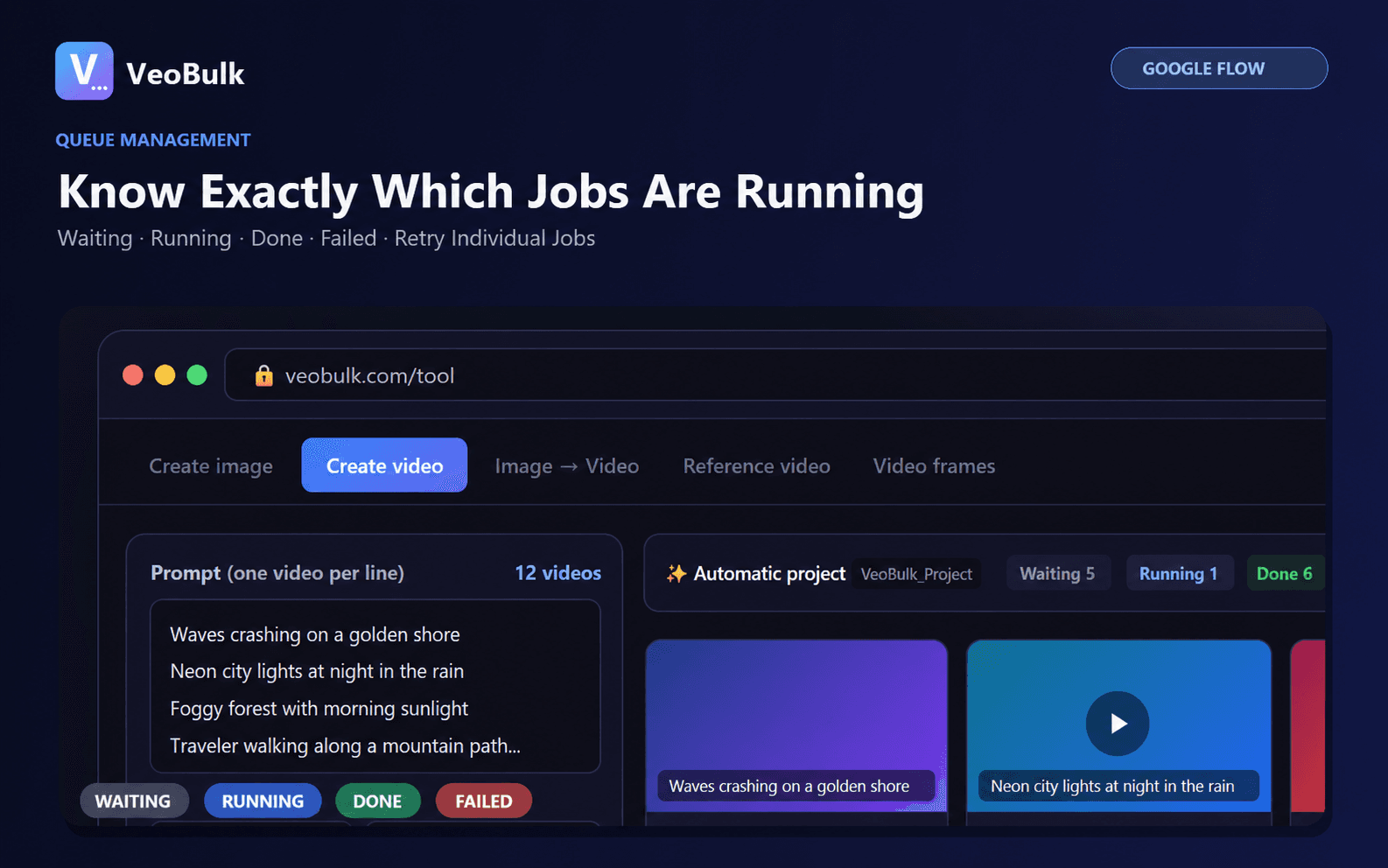
Pause when several jobs fail in a row, then check for a verification request or a result that arrived late. A timeout does not always mean the generation failed.
Lower concurrency, test one prompt, and retry only jobs without an output. This prevents duplicates and reduces load on the device, network, and account.
5. Collect useful support details
Record the operating system, browser or VeoBulk version, workflow, selected model, error time, and a screenshot of the progress log. Never include cookies, passwords, or verification codes.
Use Google support when the error occurs directly in Flow. Contact VeoBulk Support when manual Flow generation works but the VeoBulk queue fails.
Official sources
Related articles
Frequently asked questions
Why can I not access Flow with a Google AI plan?
Flow is not available in every region where Google AI plans are sold. Check supported regions and age eligibility.
Can a VPN enable Google Flow?
No. Google explicitly states that a VPN does not enable access in an unsupported region.
Do failed generations use credits?
Google says failed generations are not charged; check credit history and contact Google One Support if you see an incorrect charge.
Should I restart a full queue after a timeout?
No. Check for a late result, then retry only the job that has no output.
Ready to streamline your Google Flow workflow?
Install the VeoBulk Extension to manage prompts, queues, and results directly in Chrome.