Google Flow Ingredients to Video: A Practical Reference Guide
Ingredients to Video is useful when a character, product, or prop must appear across multiple clips. Results depend heavily on clean references and prompts that explain the role of every ingredient.
What is Ingredients to Video?
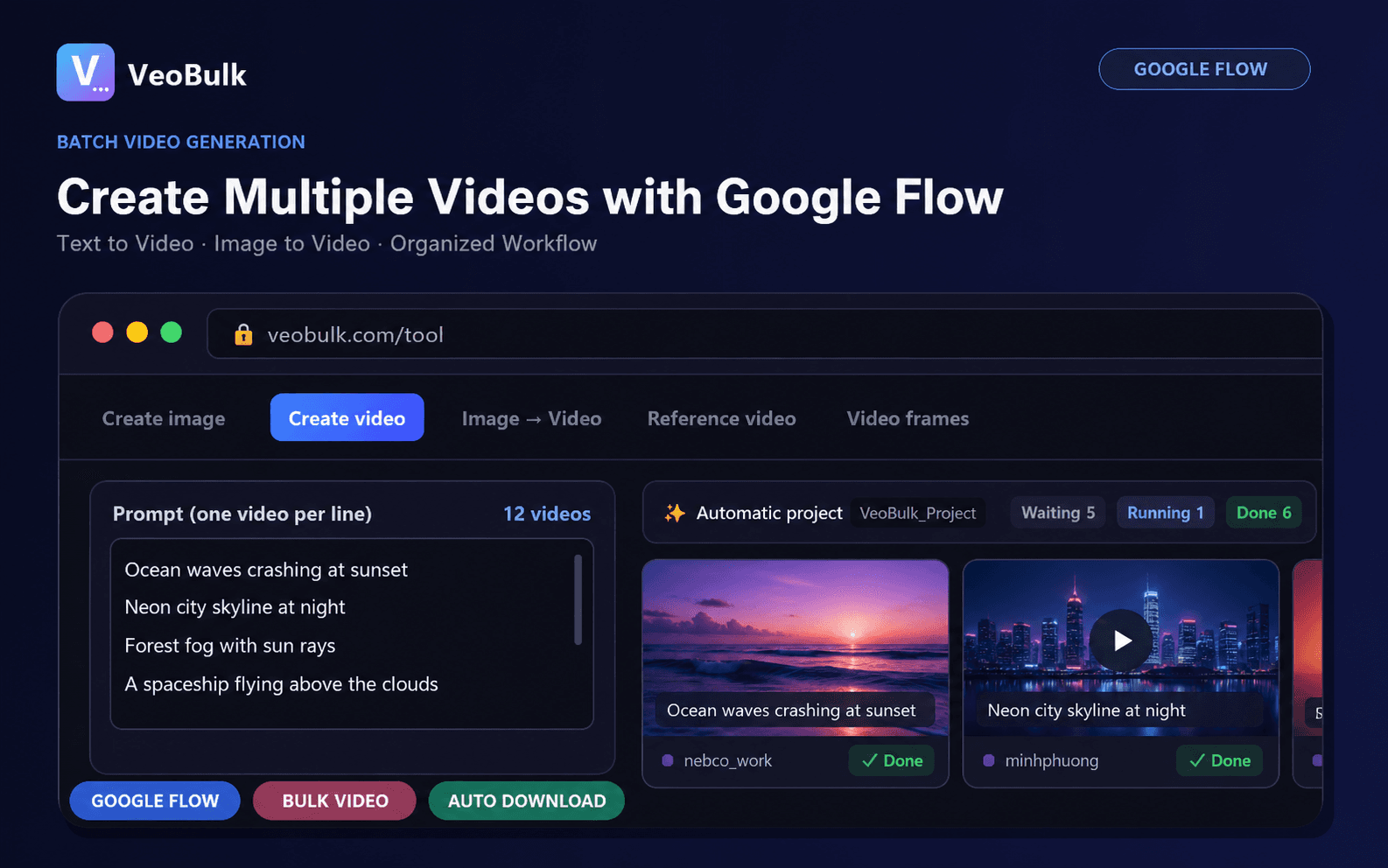
Google Flow lets you add image or video references to a prompt and use them as ingredients. You can upload media, select an existing project asset, or type @ to find an asset by name.
Unlike text-only generation, this workflow gives the model a visual signal for the character, object, or location that should be reused.
Prepare clean references
Google recommends subject and product references on a plain or segmented background. Location and style references should not contain unwanted extra subjects.
Keep lighting, perspective, and visual style compatible across ingredients. Conflicting references are harder to blend and can increase drift.
Write prompts that use ingredients clearly
State which ingredient is the character, prop, or environment and describe what it should do. Text instructions should complement rather than contradict visual references.
Give assets recognizable names and use the correct name after @. Across shots, lock the identity description and change only action, camera, or environment.
Build a batch workflow
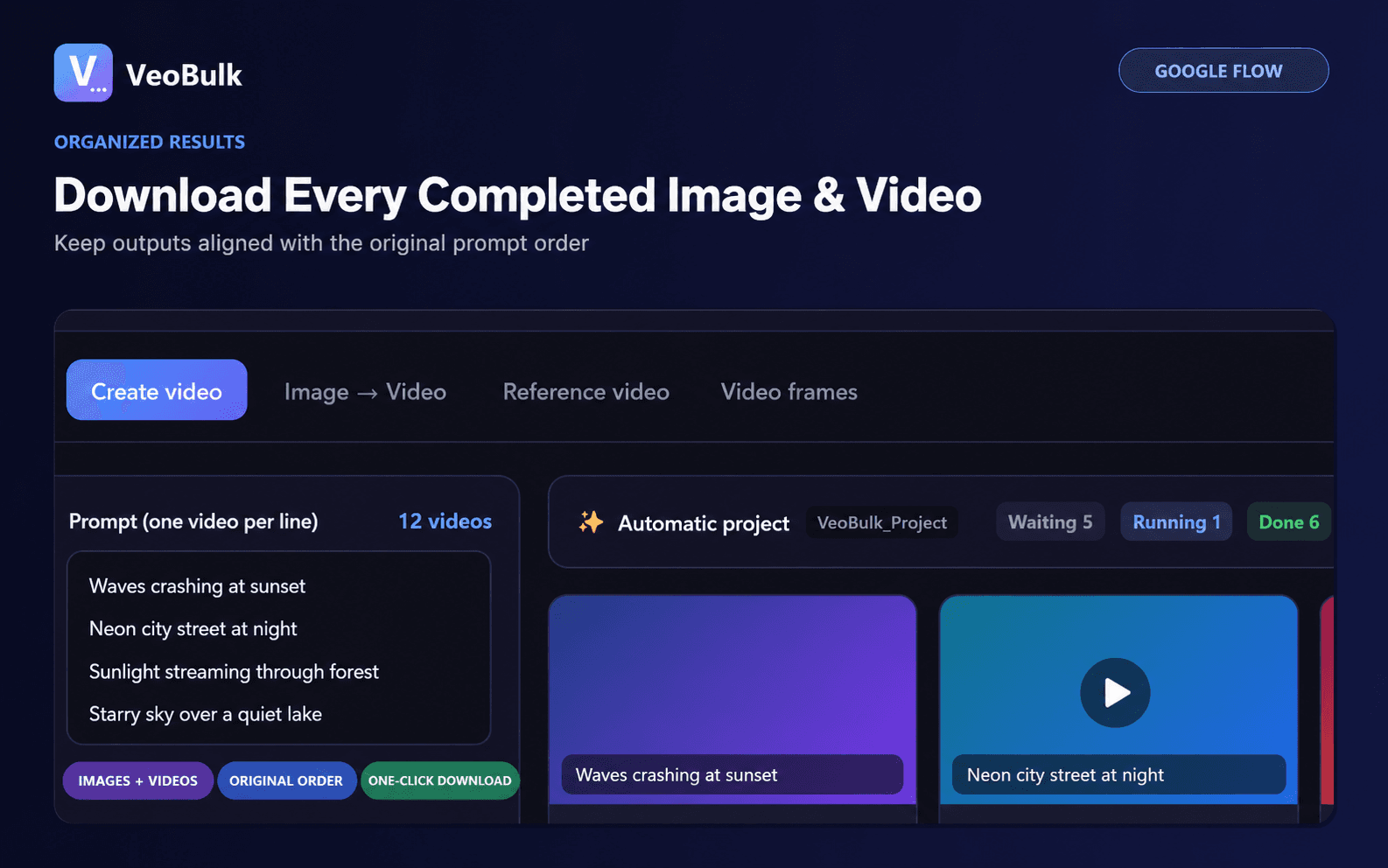
Prepare a shot-list prompt file, verify that every reference is attached to the correct shot, and test a small group first. Scale only after character, product, and style consistency is acceptable.
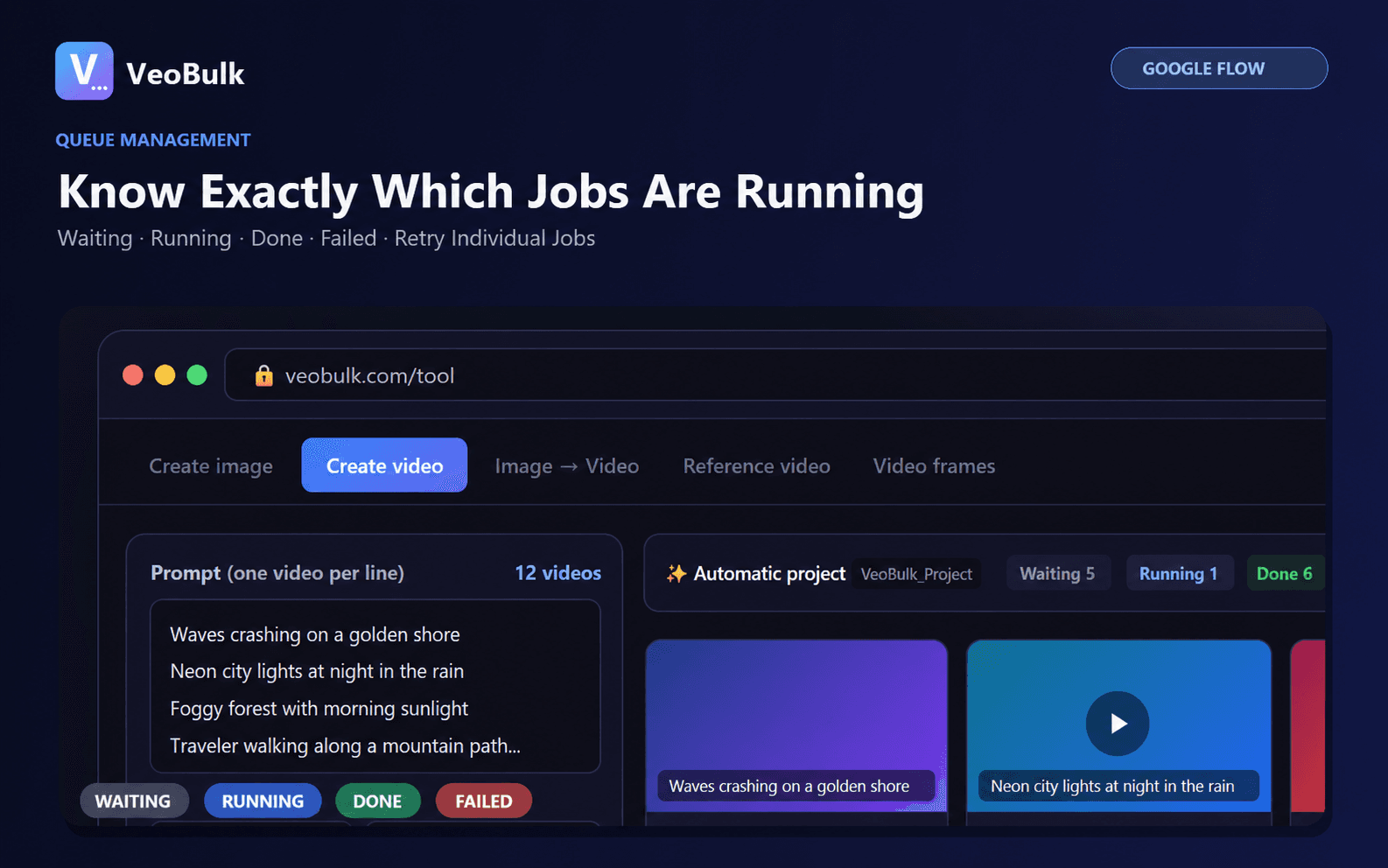
Track jobs individually, retry weak shots, and save prompts with filenames. One incorrectly used ingredient should not force a restart of the entire sequence.
Common Ingredients to Video problems
For character drift, reduce reference count, use clearer images, and remove contradictory guidance. For product distortion, prefer a front-facing clean reference and state which details must remain unchanged.
Availability and supported duration depend on model, Google AI plan, and region. Check the active model before submitting a large batch.
Related articles
Frequently asked questions
Can one clip use multiple ingredients?
Yes, but each ingredient needs a clear role and references should be visually compatible.
What background is best for a reference?
A plain or segmented background generally makes the subject easier to identify.
Does Ingredients guarantee perfect consistency?
No, but clean references and consistent prompts can reduce drift substantially.
Ready to streamline your Google Flow workflow?
Install the VeoBulk Extension to manage prompts, queues, and results directly in Chrome.