Google Flow Models Compared: Veo 3.1 Lite, Fast, Quality and Gemini Omni Flash
Choosing the wrong model can disable a required feature or increase retries. Instead of asking which model is universally best, choose according to input type, duration, speed, and editing needs.
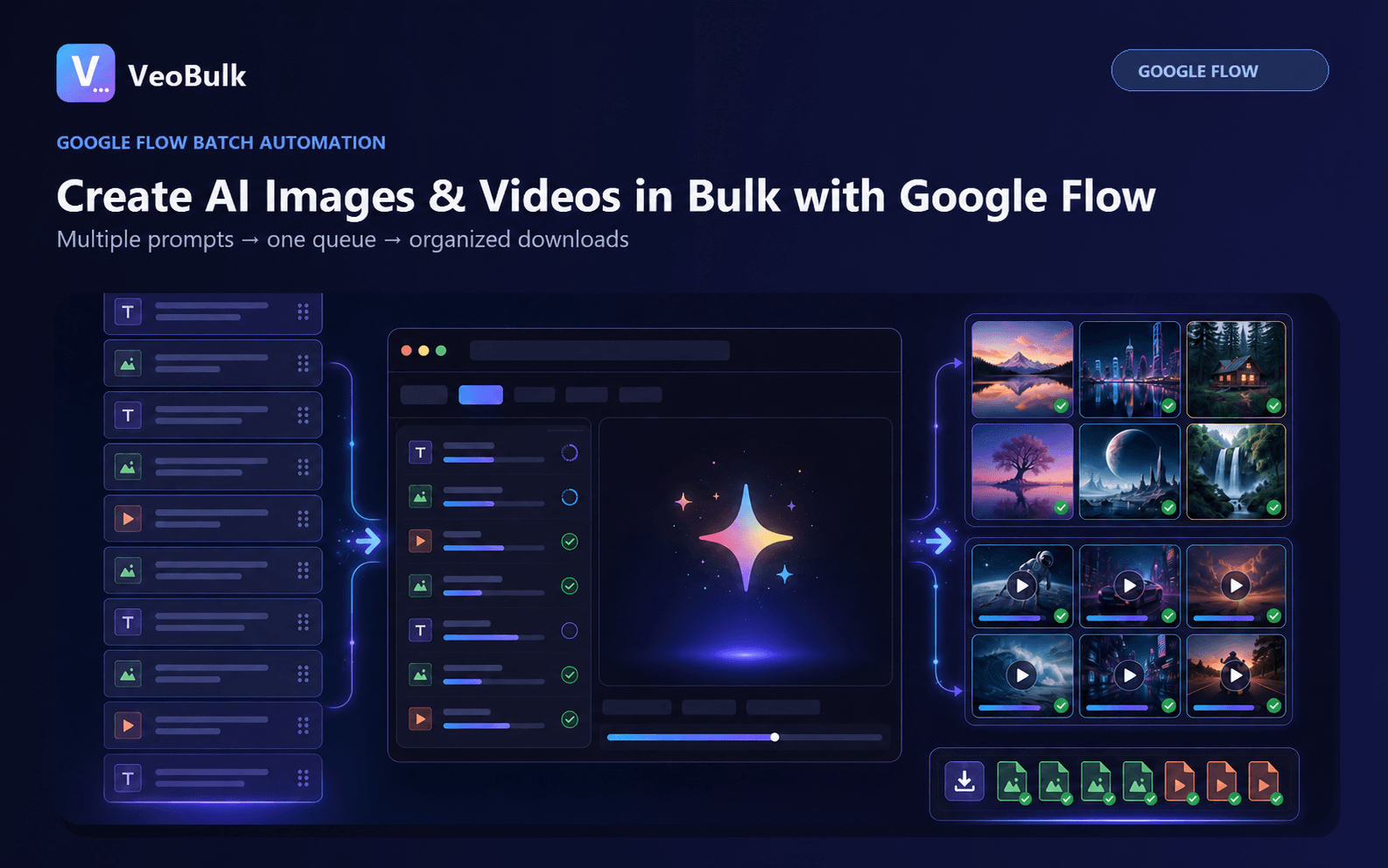
Veo 3.1 Lite
Lite is suitable for tests and resource-conscious workflows. In the current support table it includes text-to-video, first frame, first and last frames, ingredients, and extension for eight-second videos.
It is a practical option for validating prompts before moving important shots to a higher-quality configuration.
Veo 3.1 Fast and Quality
Fast prioritizes throughput and supports additional durations in some workflows. Quality targets output quality, but it does not automatically support every feature available in Lite or Fast.
Always check the feature matrix: a higher-quality model may not support ingredients or end frames in a particular workflow.
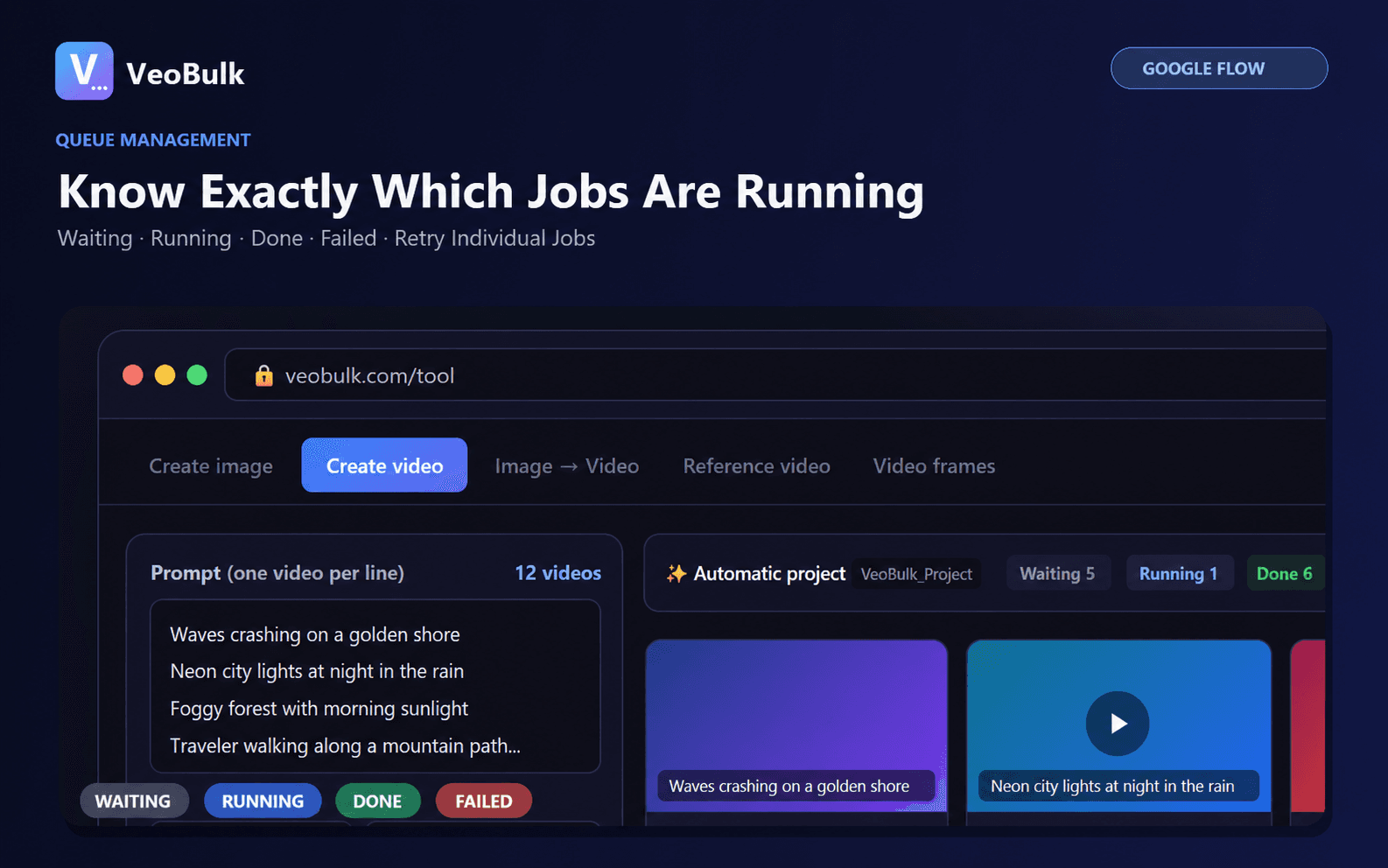
Gemini Omni Flash
Omni Flash supports 4, 6, 8, and 10-second clips, prompt-based video editing, and references, along with advanced character, avatar, audio, and custom-voice capabilities.
Voice references are limited to video generation with ingredients, and some features remain region dependent.
Image models inside Flow
Nano Banana Pro targets complex detail and professional control. Nano Banana 2 Lite emphasizes efficient generation with a free option, while Nano Banana 2 balances speed and quality.
Images created in Flow can become frames or ingredients for video, keeping the production process in one project.
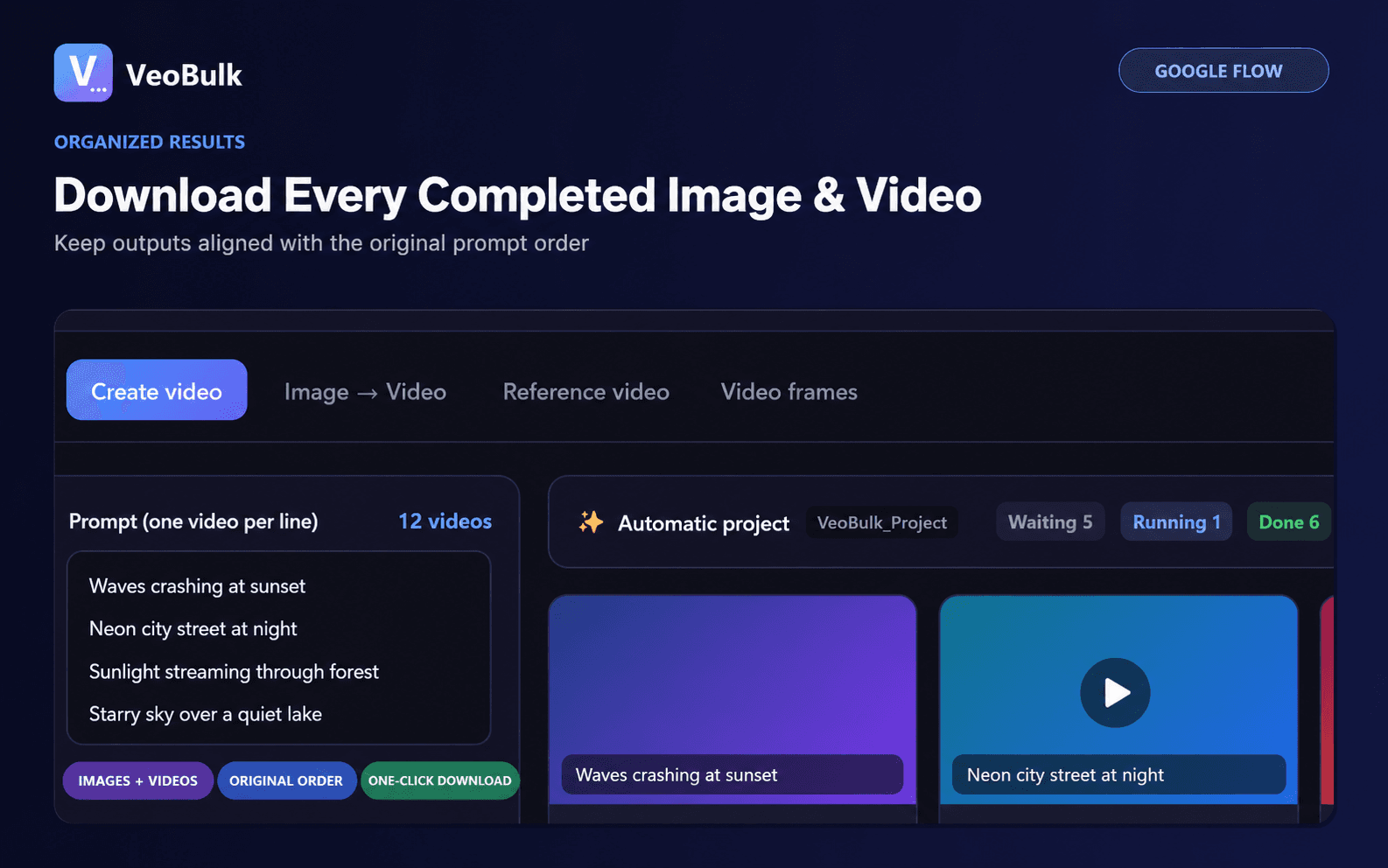
Choose a model for batch work
Group the shot list by requirement: text-only, start frame, start and end frames, ingredients, or video editing. Select a model only after confirming it supports the required input and duration.
Test one sample per group and track credits and retry rate. VeoBulk manages the queue, while model access and generation credits remain under the Google account.
Frequently asked questions
What is the best Google Flow model?
There is no single best model; choose according to features, duration, speed, and required quality.
How is Omni Flash different from Veo 3.1?
Omni Flash emphasizes multimodal references and conversational editing, while Veo models have their own video capability matrix.
Can model features change?
Yes. Google updates Flow frequently, so check the current model table before a large project.
Ready to streamline your Google Flow workflow?
Install the VeoBulk Extension to manage prompts, queues, and results directly in Chrome.